
Table of Contents:
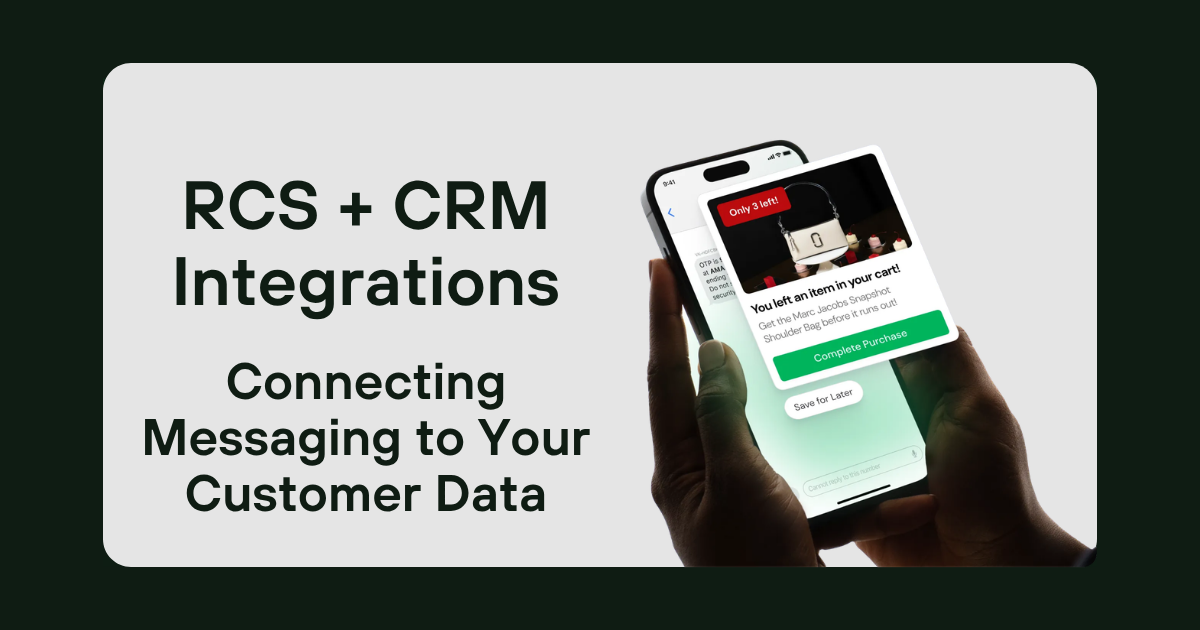
RCS CRM integration connects two-way messaging to your customer records, so inbound replies and captured leads sync automatically while outbound campaigns trigger from CRM data. The result is messaging that's personalized, logged, and measurable inside the systems your team already uses, including Salesforce, HubSpot, and more.
RCS is powerful on its own, but it does the most work when it's wired into your customer data. Here's why the connection matters, what flows in each direction, and what it takes to set up.
Why should you connect RCS to your CRM
Any messaging channel that lives apart from your CRM creates the same problems every disconnected tool does, basically making it difficult to attribute specific channels to specific leads. Connecting RCS to your CRM fixes that in three ways:
- Personalization. Messages can pull from data already in the system, so user name, company name, history, status, etc.
- A single record. Every inbound reply and captured lead lands on the contact's timeline, so anyone on the sales team sees the full conversation.
- Measurability. Because the messaging activity sits in the CRM, you can tie it to pipeline and revenue rather than just guessing.
What data flows in each direction
Inbound: messaging into the CRM. When a customer starts a conversation or a lead is captured through nativeMsg the contact details, consent, and conversation context flow into the CRM automatically and can be mapped anywhere you need it. The record is created or updated without anyone manually having to copy and paste export data from spreadsheets.
Outbound: the CRM into messaging. When a record changes (a status update, a booked appointment, an approaching renewal, etc.) you can set it up so those changes trigger an outbound RCS message. The CRM holds the logic; RCS delivers the moment.
How it works with Salesforce or HubSpot
Most teams already run their customer data in a platform like Salesforce or HubSpot, and that's exactly where RCS should connect. Captured leads and replies appear on the contact or lead record, and campaigns can fire from the segments, workflows, and triggers you've already built. Your team keeps working in the system they know, RCS just becomes another, more engaging way that data moves in and out.
“When we built our API integrations for CRMs, we knew that your campaigns are only as good as your attributions. By being able to see what customers clicked, what videos they watched, questions they asked, what their preferences are, and any other data you need at a glance, it enables sales teams to act quickly and make more personalized connections, while also allowing marketing teams to continuously update the content to match the demand. It’s a great system.
-Yaman Deia, Technical Lead at nativeMsg
What setup involves
At a high level, connecting RCS to your CRM comes down to a few pieces:
- The connection. Linking nativeMsg to your CRM so records and conversations sync both ways.
- The triggers. Defining which CRM events should send a message, and what each message says.
- Consent handling. Making sure opt-in status is captured and respected on every record.
Depending on your CRM and how customized your setup is, this can range from a guided configuration to a more involved build, and it's the kind of thing nativeMsg helps map before you start.
Use cases
Once the two are connected, the everyday wins are straightforward and industry-neutral:
- Offers triggered by a customer's segment or recent activity
- Appointment reminders and confirmations tied to a booking in the CRM
- Status and account alerts sent the moment a record changes
- Renewal and follow-up nudges scheduled from CRM dates
Each one is a message that's timely because the CRM knew when to send it, and trusted because it came from your verified identity.
How to measure impact
Connecting the systems also makes the channel easier to judge. Watch:
- Lead follow-up speed — how quickly captured leads get worked
- Response and conversion rate on triggered messages versus untriggered sends
- Pipeline influenced — messaging activity tied to deals in the CRM
- Data quality — fewer manual entries and fewer dropped records
The point of integration isn't just convenience; it's that messaging becomes a measurable part of the funnel instead of a side channel.
See it in action
We hosted a webinar focused exclusively on this topic (RCS 102: Automating Inbound Engagement with RCS + CRMs) so you can check it out for free, learn more about it, and see it live. You can also book a demo where we can custom tailor examples to your exact industry and use case, so you’ll know if nativeMsg is a good fit for your customer communications!
Frequently asked questions
Can RCS integrate with my CRM? Yes. Captured leads and inbound replies can sync to your CRM automatically, and outbound campaigns can trigger from CRM data and workflows.
Does RCS work with Salesforce? Yes. RCS messaging can connect to Salesforce so conversations land on the contact record and campaigns fire from the segments and triggers you've already built. The same applies to platforms like HubSpot.
What data syncs between RCS and a CRM? Inbound: contact details, consent, and conversation context. Outbound: CRM events and data that trigger and personalize messages.
Do I need developers to connect RCS to my CRM? It depends on your CRM and how custom your setup is — some connections are a guided configuration, others a more involved build. nativeMsg helps scope it before you begin.